Choose a person role or event type above, then select individual items here.
Tap the small i in Select to read details directly.
to
Import JSON
Import ENEX

Choose an era, then add individual people and events. Every selection changes the timeline below.
Choose an era under Time. It sets the date range for the people and events you can add next.
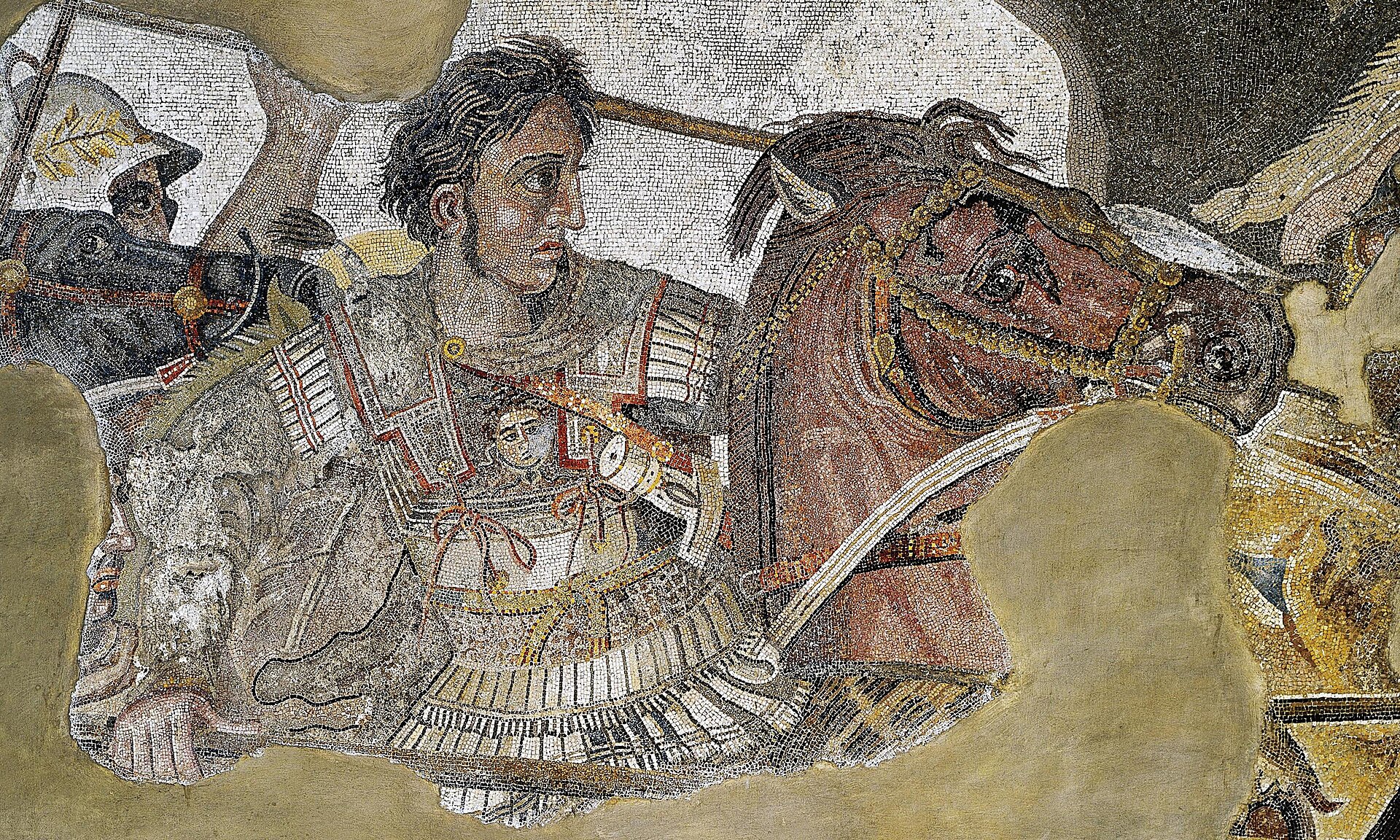
The timeline starts with a few anchors. Watch the context build, then select any person or event to change the view.
Choose any capsule under People or Events. The matching names will open automatically in Select.
Choose a person role or event type above, then select individual items here.